


Description
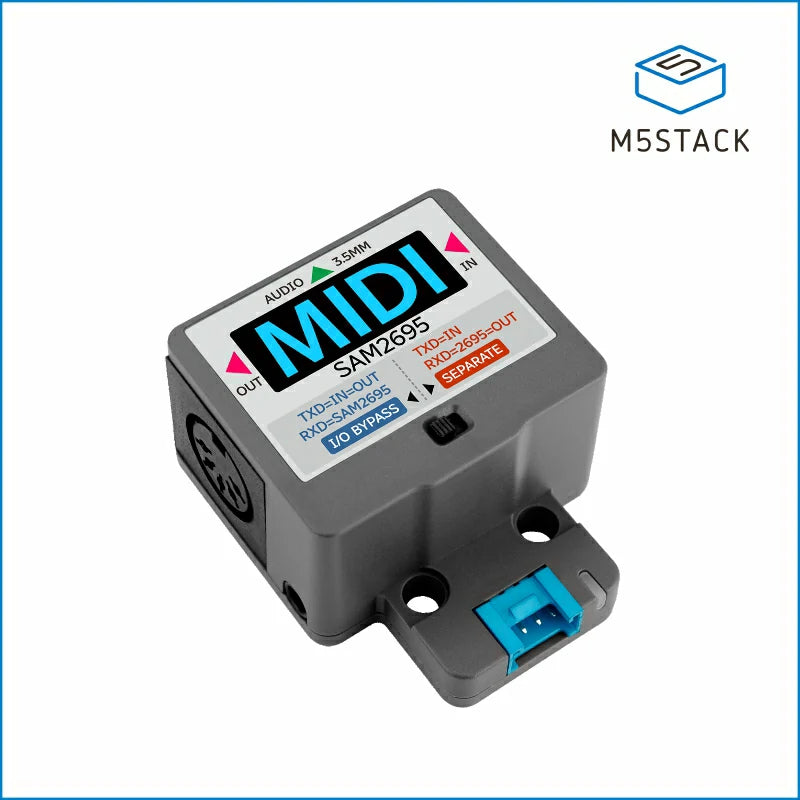
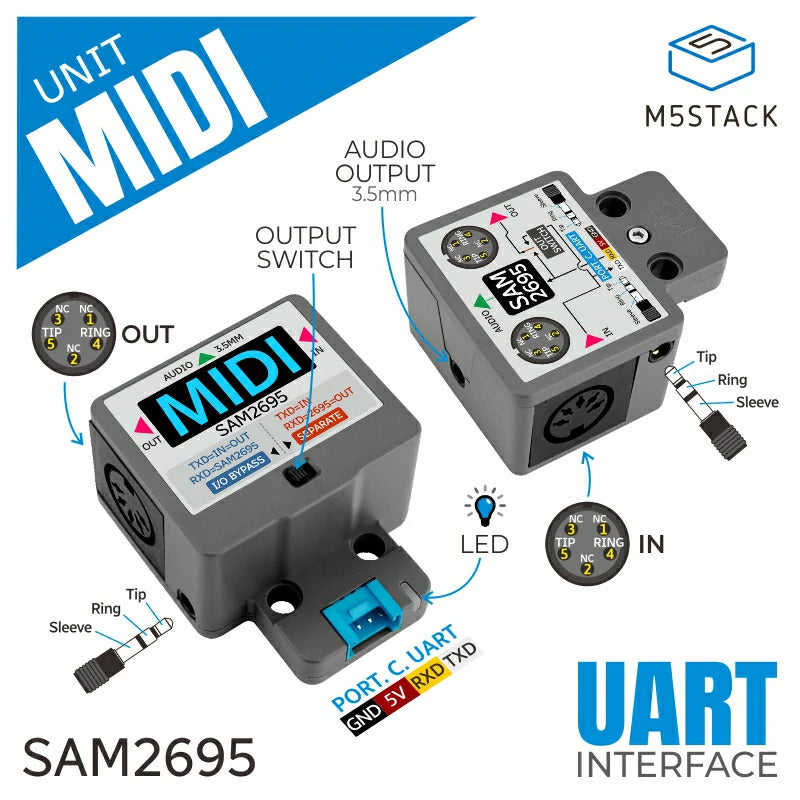
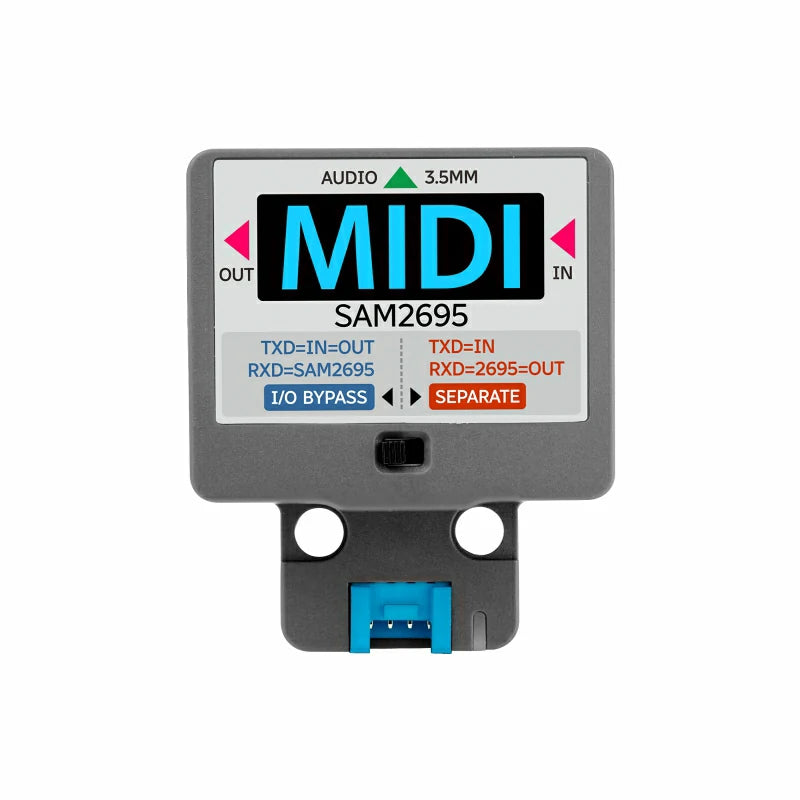
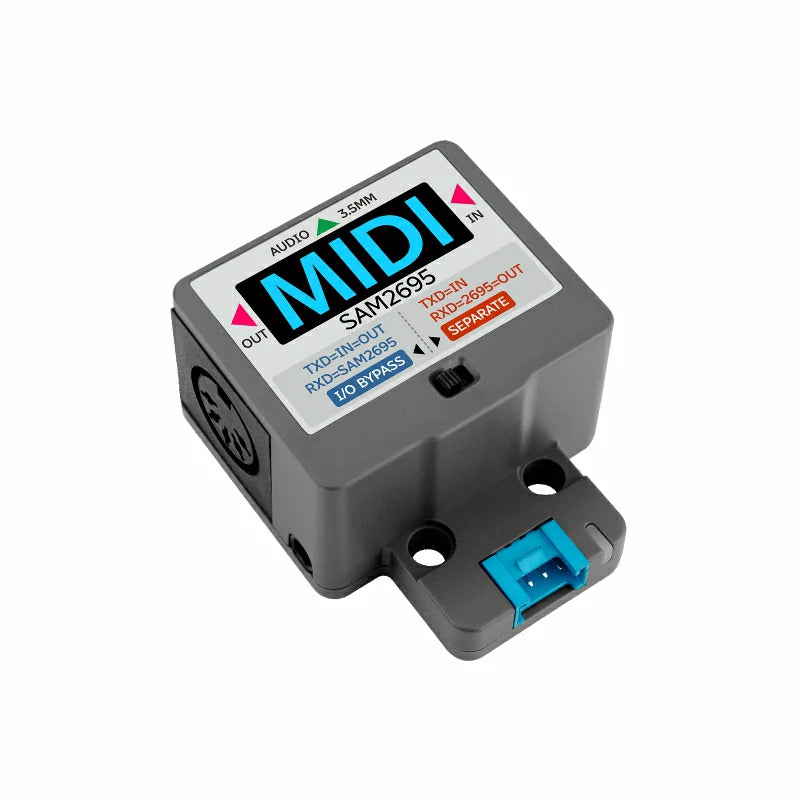
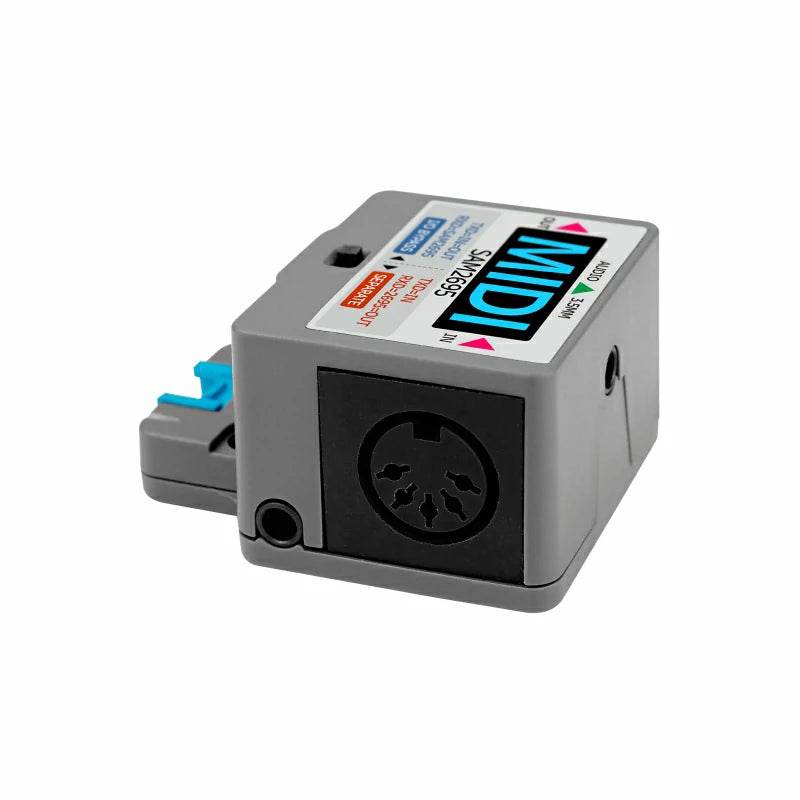
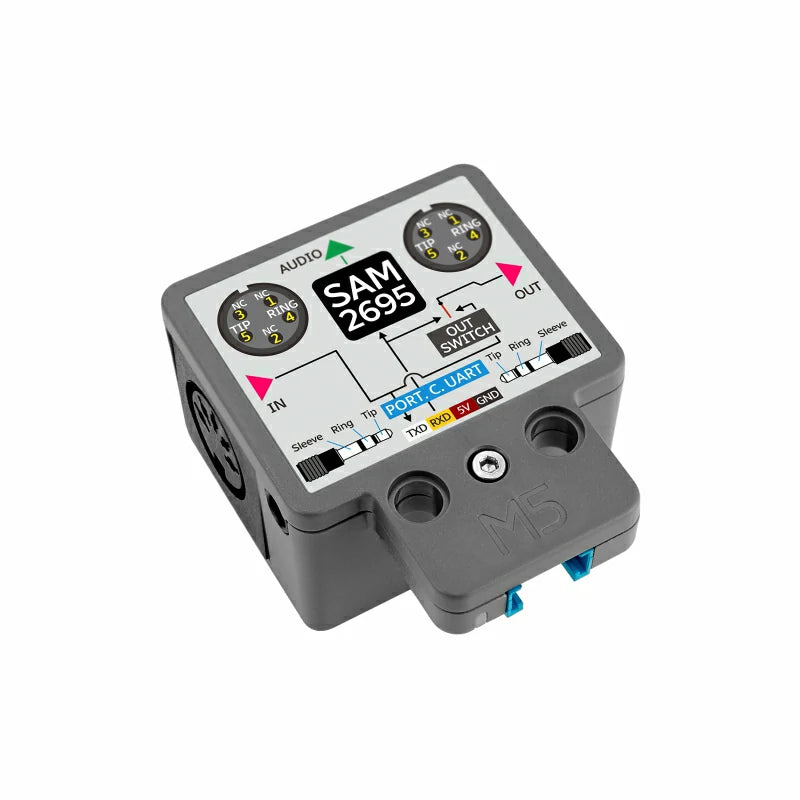
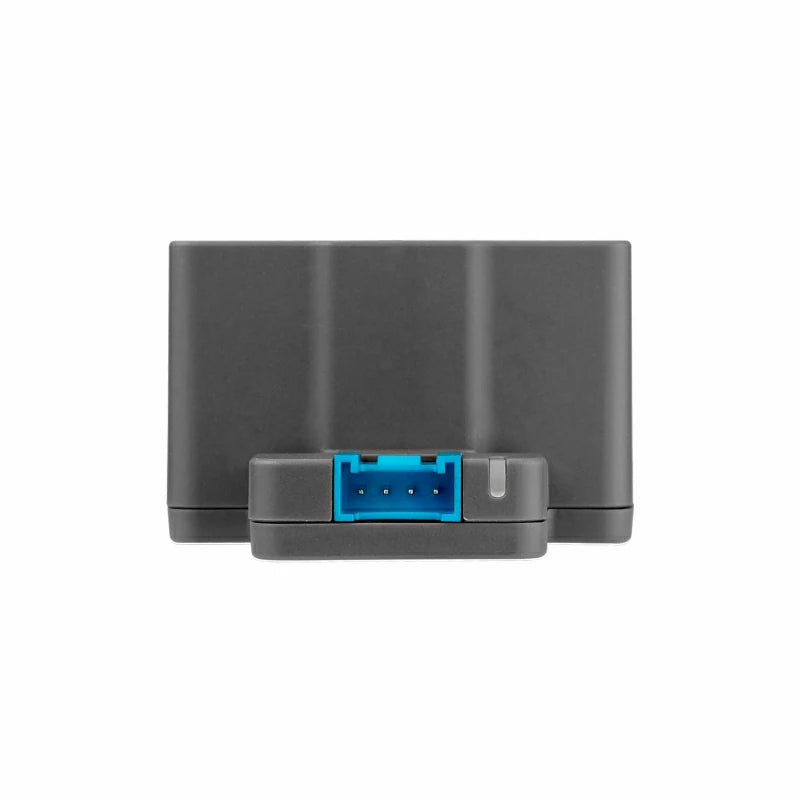
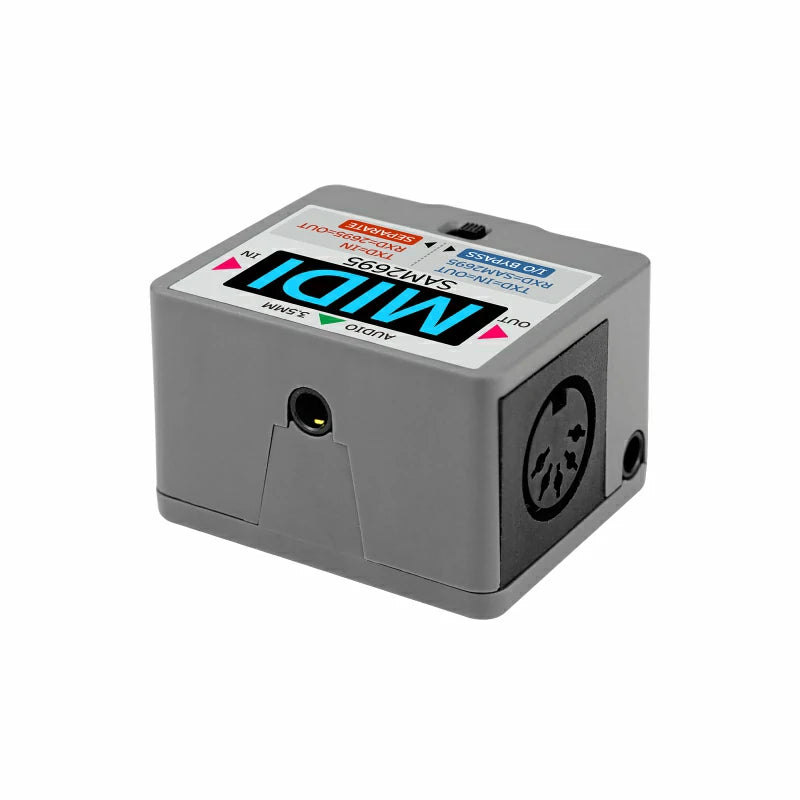
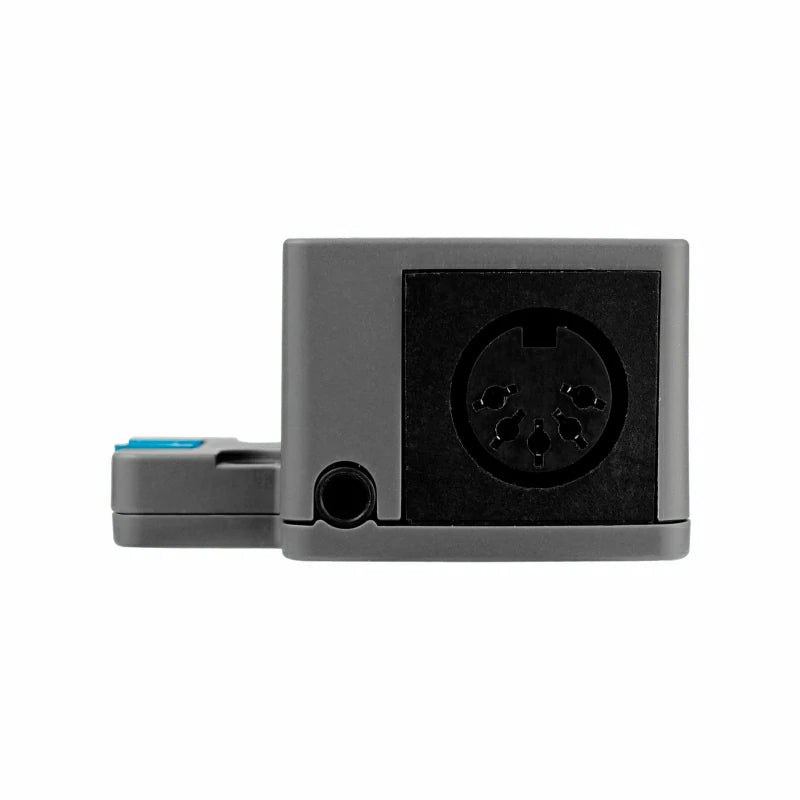
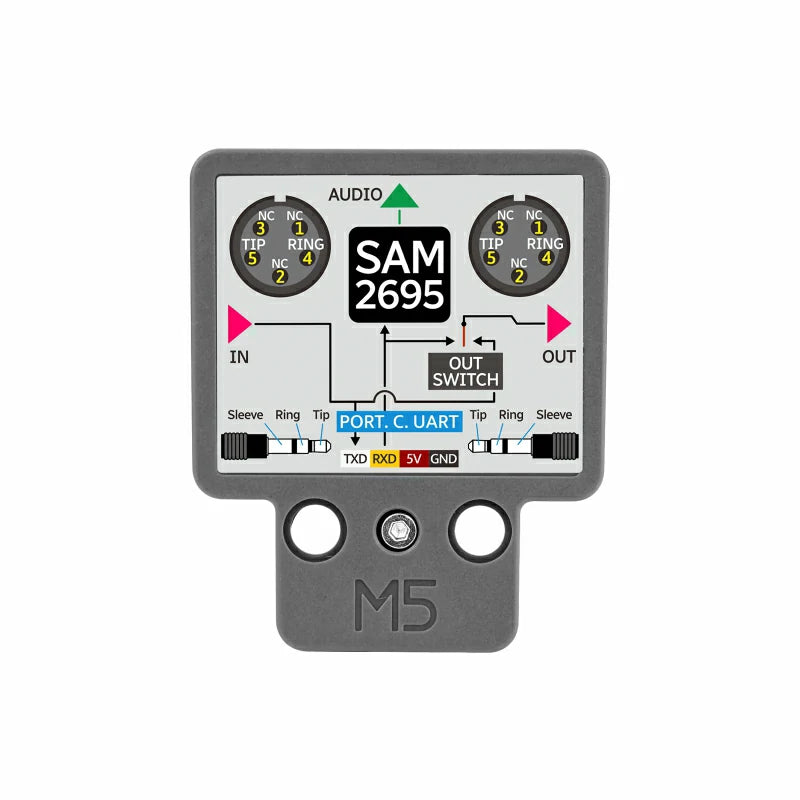
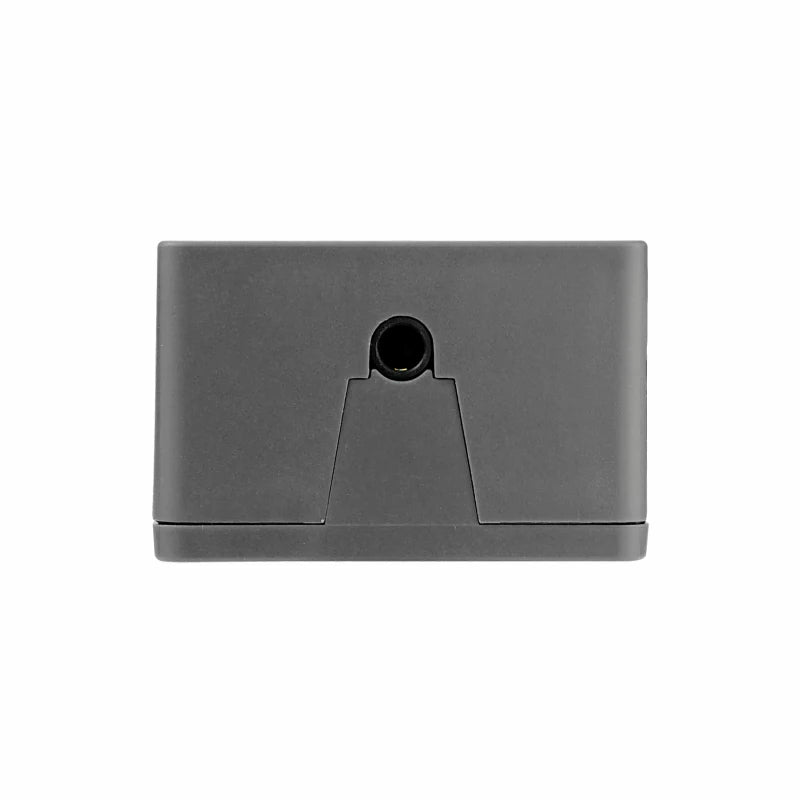
Unit MIDI is a channel control and audio synthesis unit based on the MIDI interface. It allows you to set the left/right MIDI port's pass-through mode using the toggle switch on the front of the product. In Bypass mode, the left/right ports are directly connected, while in Separate mode, the left/right ports are separated. Both left/right MIDI ports support standard 5-pin DIN interfaces and 3.5mm headphone jacks. The TXD on the Grove port is connected to the left MIDI port signal, and the RXD on the Grove port is connected to the digital input of the internal audio synthesizer SAM2695. This allows the external M5 host to listen or output MIDI signals through the Grove interface while simultaneously outputting synthesized audio. The audio signal is output via a 3.5mm headphone jack. This product is suitable for electronic music creation and production, live music control, interactive music installations, and more.
Unit MIDI RX (controller's TX pin) is connected to the SAM2695 synthesizer chip and OUTPUT interface.
Unit MIDI TX (controller's RX pin) is connected to INPUT, but this pin is left floating and has no effect.
Bypass Mode:
Unit MIDI RX (controller's TX pin) is connected only to the SAM2695 synthesizer chip.
Unit MIDI TX (controller's RX pin) receives the MIDI signal from INPUT, and INPUT and OUTPUT are directly connected.
Features
- SAM2695 audio synthesis chip
- Serial communication
- Standard MIDI 1.0 protocol (16 channels)
- Standard 3.5mm audio interface and DIN female socket
- Optocoupler isolation
- Bypass/Separate mode switching
Includes
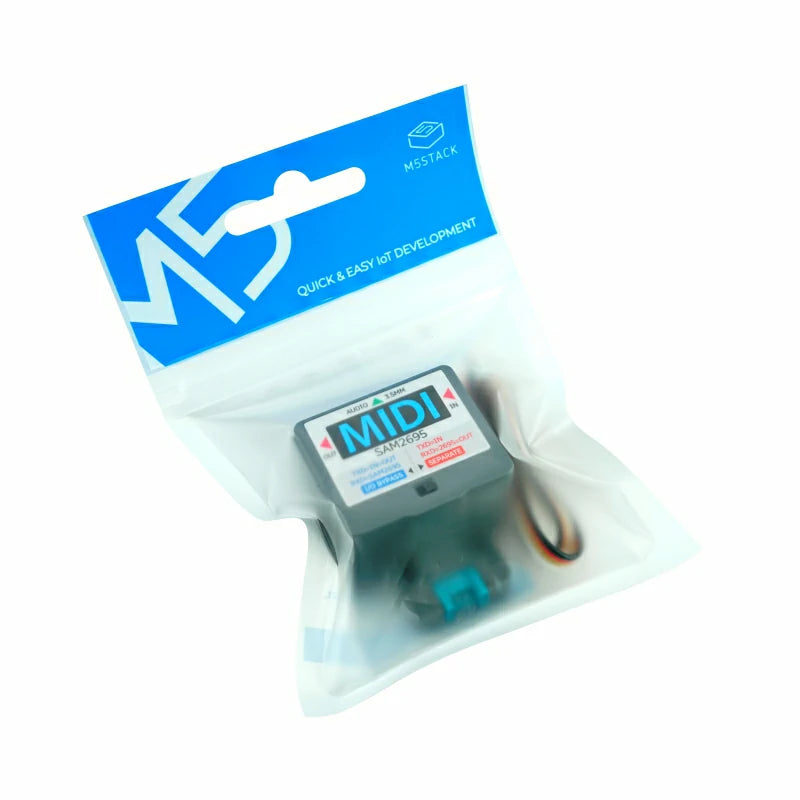
- 1 x Unit MIDI
- 1 x HY2.0-4P Grove cable (20cm)
Applications
- Electronic musical instruments
- Band performance equipment
- Music education and research
- Interactive music installations
Specifications
| Specification | Parameter |
|---|---|
| MIDI Processing Chip | SAM2695 |
| Communication Protocol | MIDI 1.0 standard protocol (16 channels) |
| Polyphony | 64 voices (without effects) / 38 voices (with effects) |
| Communication Interface | Serial communication (UART) Baud rate: 31520 bps |
| Audio Output Interface | 3x3.5mm stereo headphone jack + 2xDIN 5-pin female socket |
| Standby Current | DC 5V@18.59mA |
| Operating Temperature | 0 ~ 40°C |
| Product Size | 48.0 x 40.0 x 25.0mm |
| Product Weight | 28.2g |
| Package Size | 138.0 x 93.0 x 26.0mm |
| Gross Weight | 33.1g |